
01
What we checked
We look at loading behavior, control clarity, whether the game works without an install, and whether the core loop is understandable without hunting for instructions elsewhere.
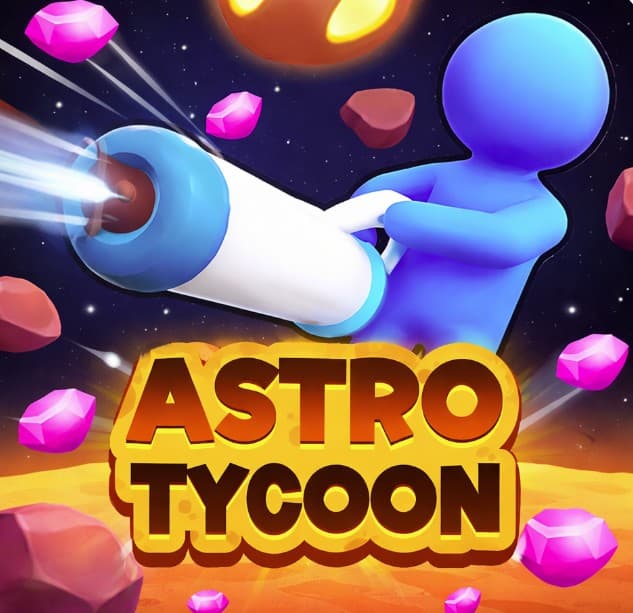
Play Astro Tycoon: Free Space Mining Empire Game
Build a space mining empire in Astro Tycoon. Explore planets and dig minerals to expand your operation in this free desktop browser simulation game.
Astro Tycoon is listed in our Simulation collection because it passed a basic playability review: it loads in a modern browser, explains itself quickly, and offers a clear reason to keep playing after the first attempt.
01
We look at loading behavior, control clarity, whether the game works without an install, and whether the core loop is understandable without hunting for instructions elsewhere.
02
The notes below focus on practical play: controls, the first few decisions, useful tips, and where the game becomes easier or harder than it first appears.
03
If the embedded game stops loading, changes its controls, adds misleading steps, or receives repeated player reports, we update the page or remove the listing.
The game doesn't list specific controls, but you'll rely entirely on your mouse to navigate the map, select distant planets, and manage your expanding operation. Here's the thing: clicking speed actually matters early on. Pro tip: keep one finger near the 'E' key as a possible quick-sell shortcut, since the UI menus drag a bit.
Astro Tycoon drops you into a fast-paced space mining loop where the core task is digging up valuable minerals across different planets. You click to extract ore, sell it, and funnel those funds into better extraction gear. The original description mentions building a full mining empire, and while that's true, the progression feels earned rather than handed to you. Honestly, the initial 20 minutes are a bit of a grind, but things pick up once you unlock your second digging site. It sits nicely in the simulation and adventure niche. Fans of idle games will find enough action here to keep things interesting, even if the desktop platform means you're stuck at your desk.
If you enjoy the base defense mechanics in Astro Tycoon, Brainrot Tower Defence takes that concept to a whole new level.
The core loop kicks off fast. You spend the first 10 minutes clearing basic rock on your starter planet, hauling ore to the refinery, and saving up for your first drill upgrade. Each resource run takes roughly 15 to 30 seconds depending on your equipment loadout. Around hour 2, the game throws a curveball with aggressive alien fauna that disrupts your mining operation. Defending your sites suddenly becomes just as important as the digging itself, which can be frustrating if you spent all your cash on cargo upgrades instead of basic turrets.
When you need a break from mining, TankFlow.io offers a different type of brain-teasing challenge.
Explore and strip-mine multiple distinct planets for rare minerals.
Upgrade your mining rig across 4 different tech tiers.
Balance resource extraction with base defense mechanics.
Automate your empire with up to 3 AI cargo haulers.
Sell resources in a live market with fluctuating prices.
Handle hostile alien wildlife that attacks every 10 minutes.
Dump your starting cash into cargo space immediately.
I wasted 20 minutes upgrading my pickaxe before realizing the default one is fine.
Automate the first planet completely before spending resources on the second.
Check the market prices before selling; they update every 5 minutes.
Build at least one turret before minute 15, the alien raids hit hard.
Don't ignore the tech tree, it unlocks essential drilling abilities.
For a complete change of pace from space management, BFF Makeover - Spa & Dress Up is a relaxing alternative.
Common questions about Astro Tycoon
The game saves to your browser cache every 2 minutes. You can lose up to a few minutes of progress if you accidentally close the tab.
The game relies on mouse controls and is designed for desktop browsers. Mobile support is not available due to the complex map navigation.
Accumulate 500 credits and click the broken satellite icon on the top right of your screen. This unlocks the navigation chart needed to travel.
You lose the current upgrade level on that specific rig and must spend half the original cost to repair it. Rebuilding is a pain, so invest in defenses early.
Astro Tycoon is completely free with no in-game purchases. All upgrades are unlocked strictly through gameplay and earning credits.
Reaching the final tier of the mining empire takes about 4 to 6 hours of active gameplay. You can easily stretch this out over a few days.
Last reviewed: April 2026 / Reviewed by Claw AI Game
Build a space mining empire in Astro Tycoon. Explore planets and dig minerals to expand your operation in this free desktop browser simulation game.
You should play this because it actually respects your time better than most browser simulation games. Unlike standard idle clickers, the planet exploration forces you to adapt your loadout instead of just watching progress bars fill up. The market prices keep you on your toes, even if the actual clicking gets tedious after an hour.